
Get your MIRL Page live in minutes.
Claim your MIRL ID, activate MIRL Connect, and get your personal MIRL Page live so people can discover you, connect with you, and book conversations.
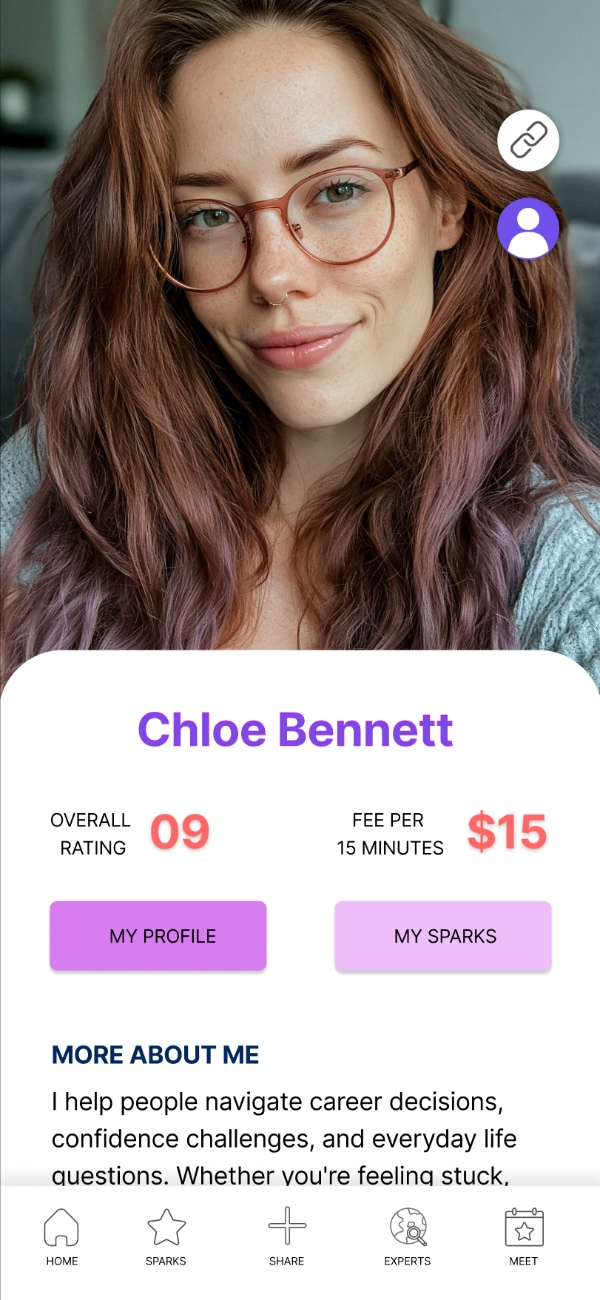
Only three things matter first.
Set up your MIRL Page, activate MIRL Connect, and share your link. Most users are ready in just a few minutes.
Claim your personal MIRL Page
Your MIRL ID becomes your clean shareable page, like mirl.com/bio/yourname.
Activate MIRL Connect
Use the activation flow to unlock your Connect code and referral rewards.
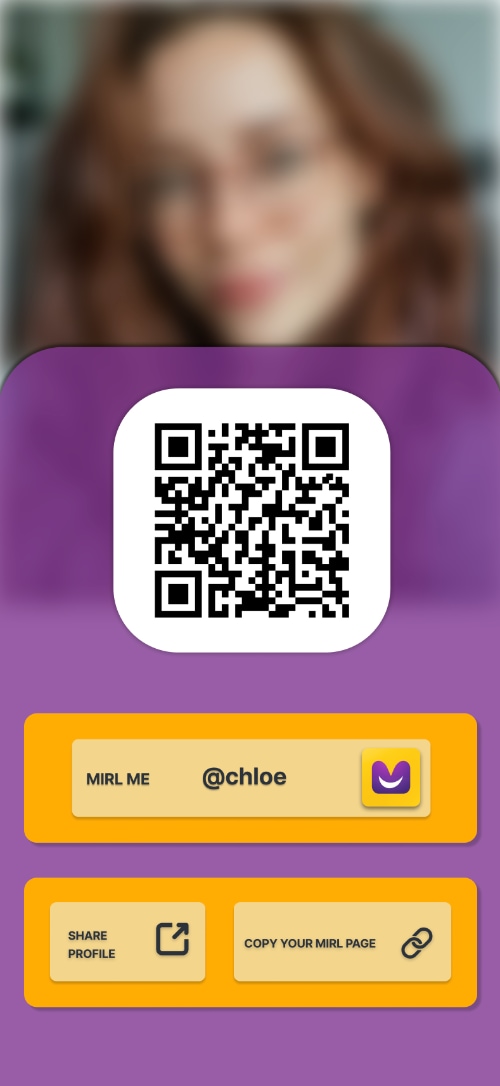
Copy and share your page
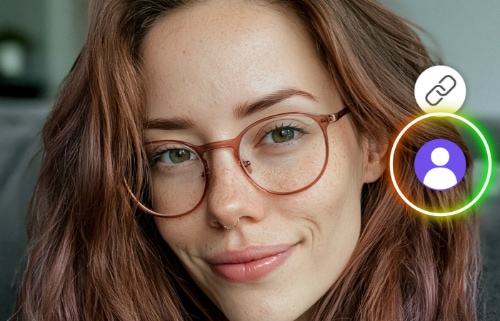
Tap the link icon, copy your MIRL Page, and add it anywhere your audience already follows you.
How to set up your MIRL profile.
Each screenshot highlights exactly where to tap so you can get your MIRL Page live faster.
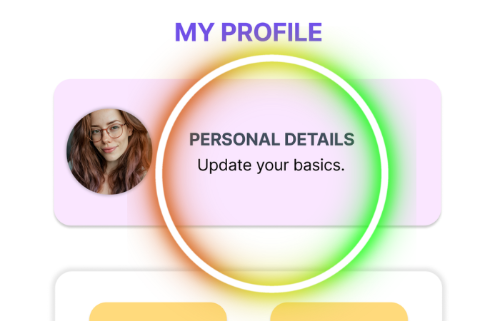
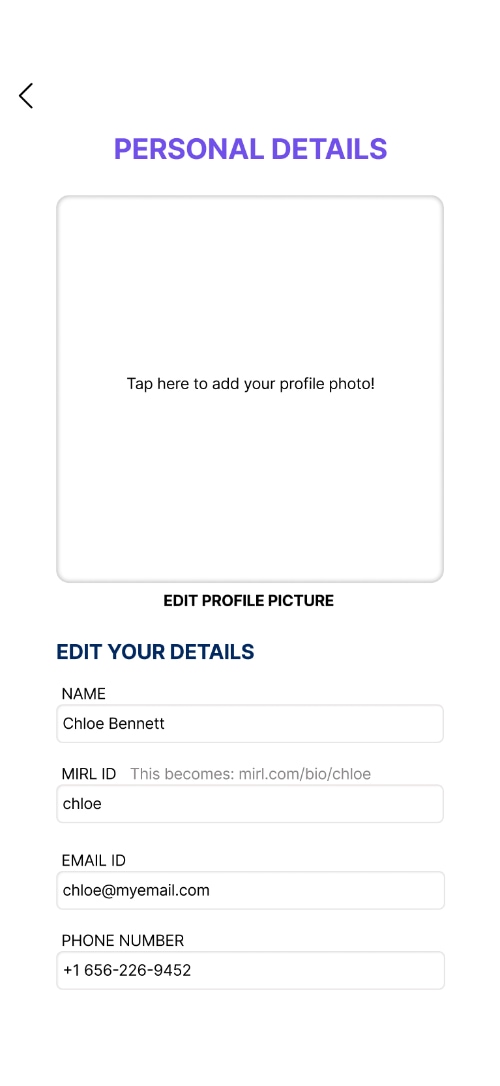
Open Profile and tap Personal Details.
Add your photo, display name, bio, and MIRL ID. This is the page people will see when they discover you.
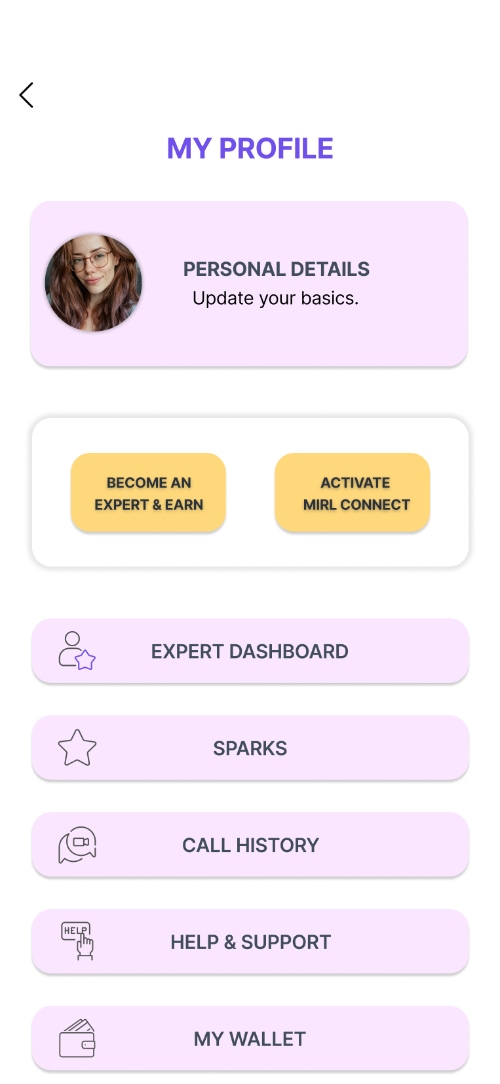
Claim your MIRL ID.
Your MIRL ID becomes your personal MIRL Page link, something people can remember, open, and share easily.
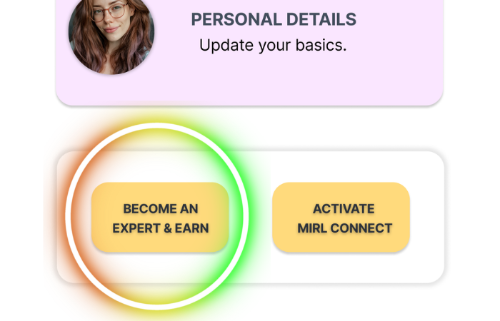
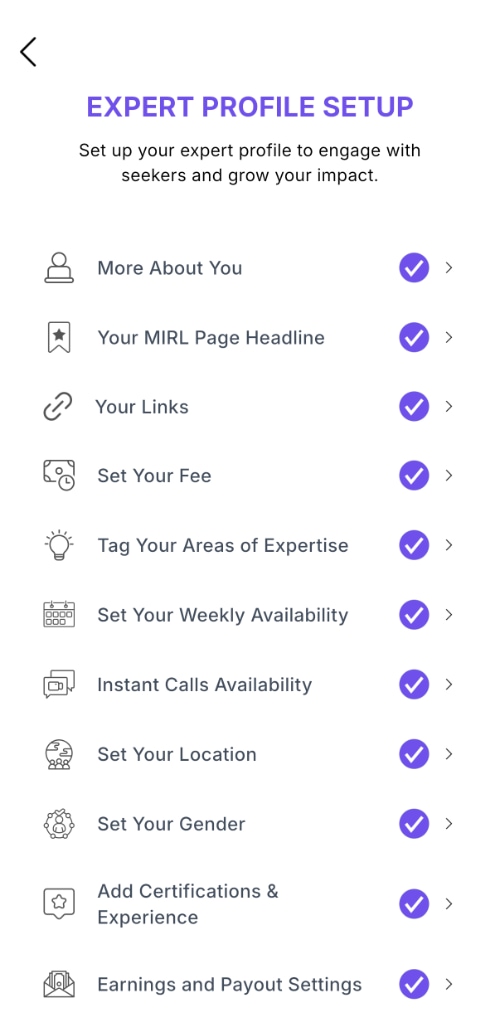
Go live as an Expert.
Finish all profile setup items to activate your Expert profile. Every section must be completed and marked with a ✓ before seekers can discover you and connect with you.
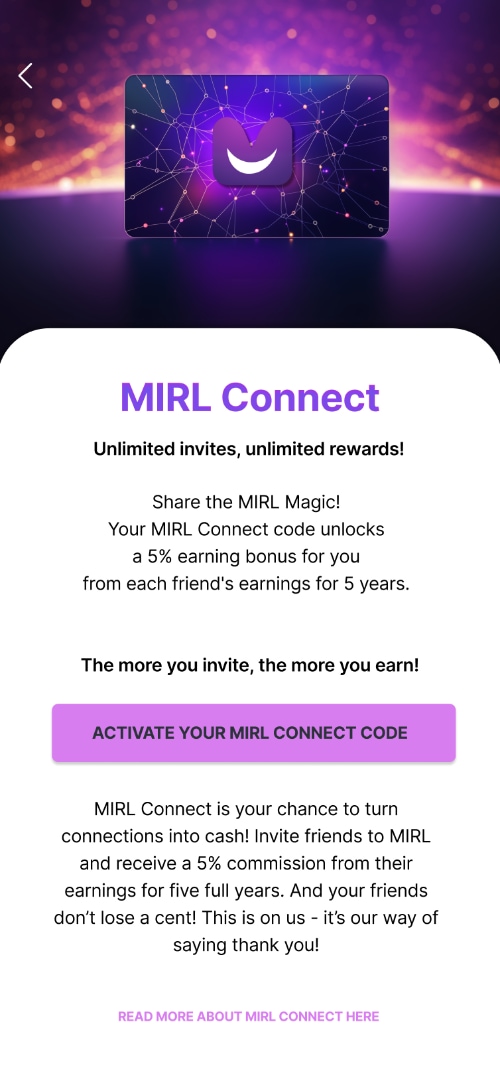
Unlock your MIRL Connect code.
Your MIRL Connect code gives you a personal invite code you can share with friends and followers. You'll also earn referral rewards when people join MIRL through your code.
New to MIRL Connect? Learn how it works →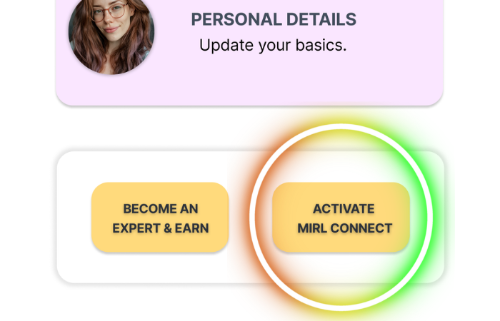
Share your MIRL Page.
Your MIRL Page is now ready to share. Add it to your Instagram, TikTok, LinkedIn, YouTube, WhatsApp, or anywhere people already follow you.

Common setup questions.
Everything you need to know before sharing your MIRL Page and receiving calls.
Do I need to finish everything before sharing?
Once all required details are completed, your Expert profile activates automatically and you can start sharing your page and receiving calls.
Why does my MIRL ID matter?
Your MIRL ID creates your personal page link. A clean name is easier to remember and looks better in your social bio.
Can I deactivate instant calls?
Yes. Instant calls are optional. You can turn them off anytime and use scheduled calls only if you prefer.
What should I write in my bio?
Keep it simple. Say who you are, what people can talk to you about, and why they may want to connect with you.
Do I have to offer paid calls only?
No. You can offer paid calls, free calls, or pro bono conversations. You decide how people connect with you.
What if I'm not available right now?
You can decline or cancel calls anytime if your plans change.
Ready to get your MIRL Page live?
Open MIRL, claim your MIRL ID, activate MIRL Connect, and copy your page link. Your profile does not need to be perfect. It just needs to be ready to share.